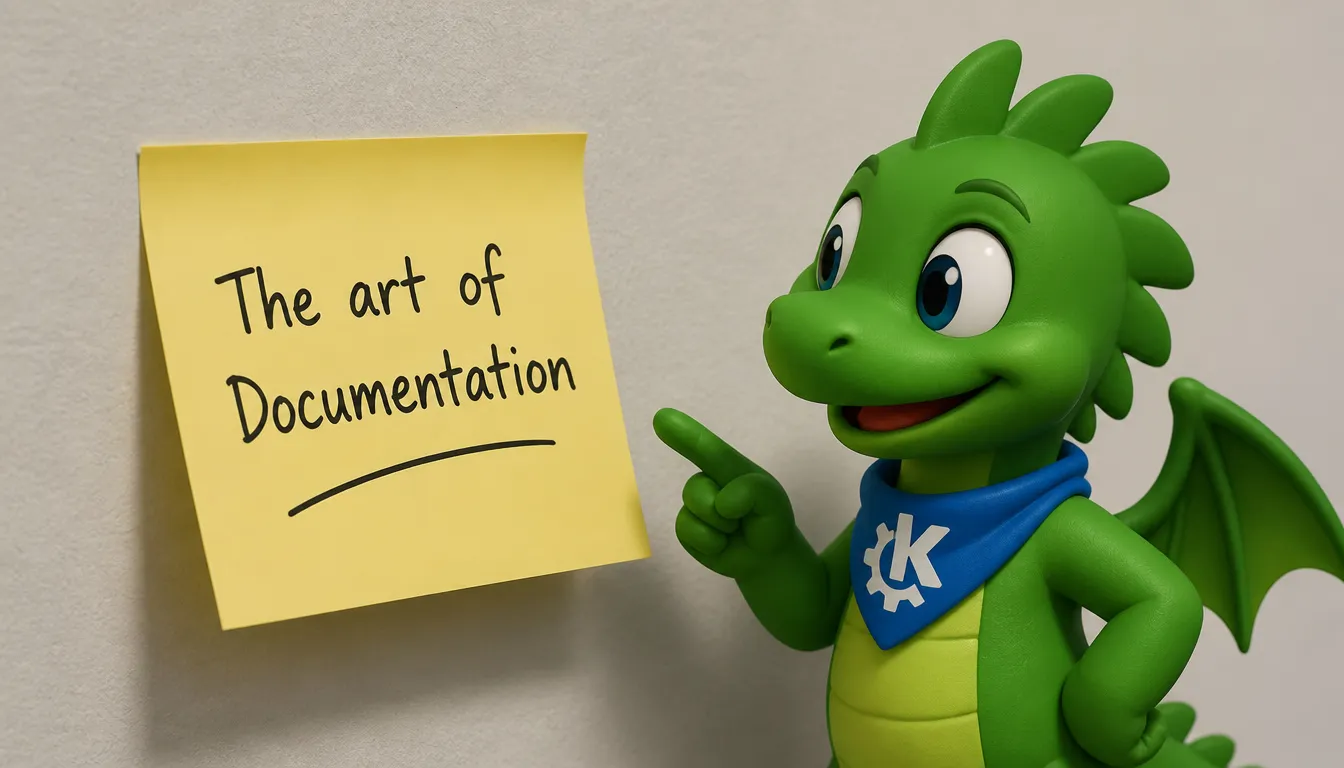
About: The Art of Documentation

Nate Graham of KDE recently wrote a piece about good documentation and how to write it. And while I perfectly agree with those wise words, I'd still like to elaborate a bit on that topic.
The Art of Documentation. Who does not dream of mastering it? Considering that most technical documentation pieces do not get to receive fancy prizes. Yet, it's words that offer the means to meaning¹.
"...Words offer the means to meaning, and for those who listen, the enunciation of truth."
So, what to do with those words and how to make them as meaningful as possible - in the context of documentation - is what this is about.
Allow me first to apologize
Good morning, world. Allow me first to apologize for this interruption. I do - like many of
you - appreciate the comforts of every day routine - the security of the familiar, the
tranquillity of repetition. I enjoy them as much as any bloke.²
Yet, I'd like to interrupt you briefly for a shocking truth: Documentation Matters.
Every sperm word is sacred³
Less is more. Don't be too generous with words, since words need time and energy for processing - and nobody will admire your poetic wording in a software documentation.
Endeavor to minimize the unnecessary wordiness of the text that the reader will be reading, in order to maximize the likelihood that they will succeed in locating an example of the specific information that they were seeking.
-- Nate Graham
As a PoC, we've bolded only minimize the unnecessary wordiness excluding the "the", eliminating 25 % of the words for quick skimming purposes.
Because we should not take the user's "Processing Time" for granted.
After all, there's lotz of stuff in the WWW.
Breaking the wall
A giant text wall is just like a giant mountain: You must really really want to get on top of it.
Instead, do what we all do: breaking down the whole scary thing into smaller chunks that are way friendlier to process.
Use lots of line breaks to avoid exhausting walls of text.
Formatting Matters
Make good use of formatting: Some things are not to be buried in a body of text.⁴
For example:
- Paths: Stuff like /home/konqui does not jive well in a flowing body of text, since it's special and takes extra-time for processing. Make it a
Labelwith the code attribute instead, and the reader's brain willl thank you for the conveniance of skipping past it cheeply, as it will immediately recognize it as a continuous object instead of trying to decode every syl-la-ble of it. - Functions: Things like Some.Nasty.Function are also a nightmare to process for a poor human brain. Make it cheap and beautiful instead.
- Shortcuts:
Alt+F4makes for way better reading than Alt+F4. - Warnings: Don't burry a warning beneath a wall of txt. And no: Some italic prefix won't make it any better. Instead, make it a
fancy boxstanding out with the pre attribute. And never spare Konqui pics to spice it up.🐉 THIS IS REALLY IMPORTANT AND YOU ARE VERY MUCH ADVISED TO READ IT 🔥
If you do not read it, agricultural robots will turn you into pudding.
Conclusion
Time flies. Don't require too much of it from your documentation's reader.
Make it short and beautiful - just like your First Time or so.
¹ V for Vendetta
² V for Vendetta
³ Monty Python
⁴ Konfuzius or so
A comment by s3n🧩net















Comments